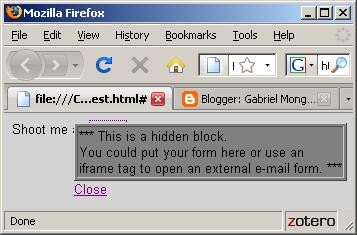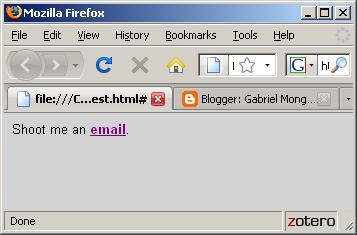
It is generally a good idea to have a contact link on every page on your site to make your visitors feel welcome. However, a link to a contact form on another page would take your visitors away from your site's contents. Some web masters overcome this problem by opening a pop up window with a contact form. However, we all know how annoying pop ups can be -- let alone the fact that most browsers nowadays would block the pop up window anyway.So, how can you make it easy -- but not annoying or distracting -- for your visitors to contact you? Here is a small script to accomplish this with a touch of professionalism.
Shoot me an <a href="#" onclick="javascript:document.getElementById('Mail').style.visibility = 'visible';">e-mail</a>.
<div id="Mail" style="position: absolute; top: 10px; right: 10; visibility: hidden;">
*** Place your contact form code (or an iframe) here ***
<a href="#" onclick="javascript:document.getElementById('Mail').style.visibility = 'hidden';">Close</a>
<div>
This script will open a floating frame that can contain your contact form, contact information or even an <iframe> tag with a remote contact form. The close link can be used to close the form, and can also be activated after your visitor submits the form.